
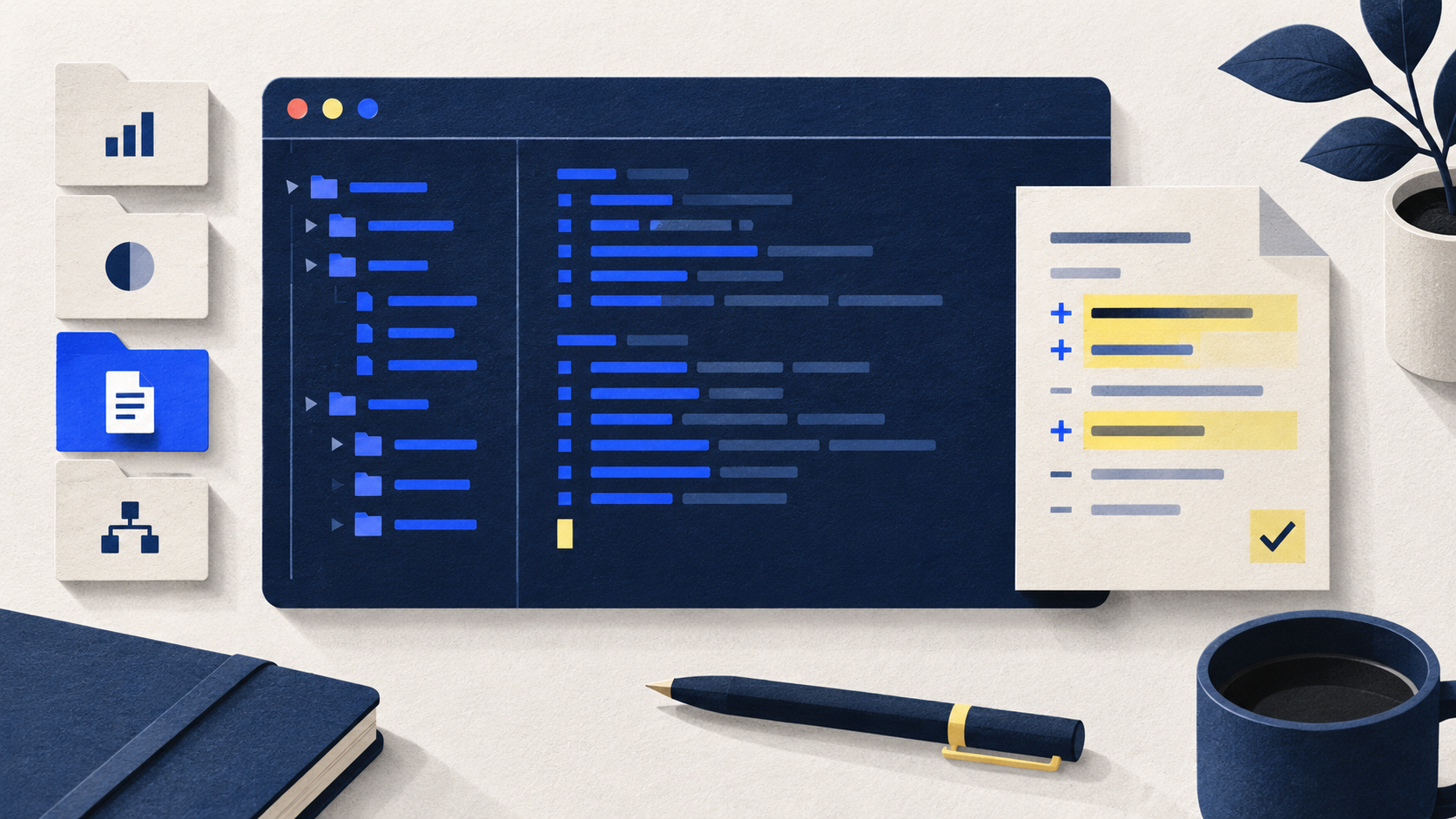
A fictional business FAQ saved as a local HTML file, with reviewed changes and an honest check record.
A command-line interface, or CLI, lets you work with an agent from a terminal. It is useful when your normal routine already involves project folders, Git and development commands. You still describe the goal in ordinary language; the terminal gives that conversation a place in your existing tooling. Codex CLI and Claude Code CLI can read project files, propose edits and run available tools. This exercise makes their working loop explicit with a single fictional business FAQ. You will know where the agent is working, which files changed and what evidence supports completion. If folder navigation feels unfamiliar, begin with the desktop guide and return here when you want closer control of commands.
Start a local project with the Codex or Claude Code CLI
A command-line agent works on the files in the folder it starts from. The same three checks apply: start in the right folder, compare each edit with the plan and approved facts, then open the page and record what you actually checked.
Play workflow reveal (brief animation; close to stop)
To replay, close and reopen. Reduced-motion settings show a still workflow.
- Choose the folder
Confirm the practice folder and read its fictional brief.
- Review the changes
Compare the FAQ files with the plan and approved facts.
- Check the local page
Open the file, inspect readability and record actual checks.
Motion provenance: Sequence and CSS authored by actual Claude through the existing claude.ai subscription on 14 October 2026; reviewed and integrated for this educational example.
Download the workflow kit
Original prompts, briefs and practice materials. Adapt them to your own task and check the result.
Before you start
- A terminal and comfort identifying its current folder; Git is useful for diff review if already available.
- An approved account with the chosen CLI entitlement and an official installation appropriate to your operating system.
- A new isolated practice directory containing the downloadable project-brief.txt. No production repository, cloud account or customer data is needed.
Tools: Codex, Claude Code. Use an assistant approved by your organization. This text-based first version does not require new integrations; account features and data policies still apply.
The workflow, step by step
Choose one CLI and follow its current installer
Use the linked Codex CLI installation page or Anthropic’s Claude Code quickstart. Choose the documented method for your operating system and follow it yourself; this article does not bundle an installer or require both tools. Avoid copying a command from an unrelated tutorial simply because it looks familiar. The CLI is the agent’s interface, while your terminal and shell are the environment receiving commands. Installing a CLI does not install every development tool a future project may need. For this exercise, plain HTML avoids that extra setup. A desktop app remains a sensible choice if you would rather use a visual project picker and change viewer.
Check authentication and which account pays
Start the selected CLI through its official first-run instructions. Codex supports ChatGPT subscription sign-in as well as separately billed API-key access. Claude Code supports subscription accounts and other authentication routes, including Console or supported providers. Follow the route approved for your account; do not assume a browser chat subscription implies unlimited CLI use or matching access across vendors. Check the active identity and authentication method before a task, especially on a shared machine or a shell previously configured for API work. Never print credential values to diagnose login. This exercise needs no application API key, provider migration or new paid service.
Navigate deliberately before launching the agent
Create cedar-faq-practice using your file manager and save project-brief.txt there. In the terminal, change into that directory using your shell’s folder-navigation instructions. On common macOS and Linux shells, pwd shows the current path and ls lists entries; PowerShell offers Get-Location and Get-ChildItem. Use your platform’s commands rather than mixing examples. Verify the brief is present, then launch codex or claude, depending on the installed tool. A command typed at the shell prompt executes in that environment; a message typed inside the agent session is a request to the agent. Keep that distinction clear when following instructions or reading error messages.
Read project rules and establish a recoverable baseline
Ask the agent to report the project path, existing files and applicable instructions before editing. Codex documents AGENTS.md; Claude Code documents CLAUDE.md. Preserve existing rules and ask about conflicts rather than replacing them. For a new folder, the brief supplies this exercise’s facts and boundaries. Keep a copy of the starting folder. If you already use Git, inspect status first and create an appropriate baseline yourself; avoid sweeping unrelated changes into a commit. Git tracks versions and supports change comparisons, but a working folder does not automatically have a useful checkpoint. Confirm what your chosen recovery method actually preserves before you rely on it.
Turn the brief into a bounded plan
Paste the starter prompt inside the agent session. It asks for a plan first, then permits only index.html and review-notes.txt after you approve it. The fictional business repairs desks in a fictional district. Its five FAQ answers cover service, area, appointments, estimates and warranty. Unknown warranty terms must remain unknown, and an estimate must not become a fixed price. Ask the agent to explain its proposed commands as well as files. Keep the page dependency-free: no JavaScript, packages, forms, analytics or external assets. This is enough to learn file creation and review without adding a deployment pipeline or asking the agent to access an account.
Review permissions and interpret command results
Inspect the CLI’s active approval and filesystem controls. OpenAI documents approval and sandbox settings; Anthropic documents permission choices in its product guidance. These controls, organizational policy and the task prompt have different roles. Use a review-oriented setup while learning and read a requested command before approving it. Ask which paths it changes and whether it contacts a network service. If a tool is missing, preserve the error and reconsider whether it is needed; a single local HTML page does not justify installing a framework. Command success only establishes that command’s result. It does not establish factual accuracy, attractive layout or readiness for real customers.
Review the diff and perform checks at the right level
Request a list of created or changed files and a diff explanation. If the folder is already tracked in Git, git status --short and git diff help inspect tracked modifications; newly created untracked files need opening directly because a normal diff may omit their contents. Read every FAQ answer against the brief before reviewing styling. Open index.html in a browser and check a narrow window, enlarged text and the fictional label. For this tiny page, a direct file preview is sufficient; a local server is optional and unnecessary here. Ask for precise check results, including failures and checks not run, rather than a generic “all tests passed.”
Revise one thing and close with evidence
Ask for one small revision: make the appointment answer easier to scan without changing its days or hours. Inspect the resulting changes and reopen the page. The review note should identify the final files, actual validation and any remaining issue. Save the folder or a deliberate Git checkpoint once satisfied. If you share the exercise, share only these fictional project files, never the CLI’s login files or configuration containing credentials. Move to scripting or unattended runs only after you understand this interactive loop. The useful outcome is a repeatable working method: confirm location, constrain changes, inspect the result and preserve evidence of the checks you actually performed.
Try it with a sample
Use this synthetic input to see the distinctions your output should preserve.
What a good result should preserve
Illustrative finish: the folder contains project-brief.txt, index.html and review-notes.txt. The note records a source-to-FAQ check, then separately records whether an actual browser preview happened. If a preview was not available, the task remains ready for manual review; no test pass or publication is implied. Git users also verify untracked files, rather than relying on an empty diff alone.
A prompt you can adapt
Read project-brief.txt in the selected practice folder. First confirm the folder path, list existing files and summarize relevant project instructions. Explain a short plan and stop before editing.

After I approve that plan, create the local FAQ page exactly to the brief. Edit only index.html and review-notes.txt. Preserve all existing unrelated files and instruction files. Use plain HTML with inline CSS, no JavaScript, dependencies, forms, tracking or external assets. Do not connect accounts, deploy, publish, install software or access anything outside the practice folder.

Show the changed files and explain their diff. Check all five required answers against the brief, including unknown price and warranty. Report actual checks separately from suggested/manual checks. Do not claim browser preview, accessibility compliance or tests passed unless supported by what you actually did. If a command or permission request exceeds this scope, explain the need before proceeding. Provide a local file path I can open and a concise review checklist.
Check the result
What to keep in mind
This is a researched tutorial and original fictional project, not an installed-runtime comparison or a tested agent benchmark. Installation, sign-in, permissions and product access depend on your platform, version and workspace. Shell examples are for orientation, not a universal script. We did not run the exercise in a reader’s environment. Completing this practice page does not establish production, security or accessibility readiness.
Sources & review notes
These sources support the tool context and review principles. The workflow, prompt, and synthetic example are original editorial material.
- OpenAI: Quickstart
Current desktop instructions select Codex for software development; ChatGPT also has Chat and Work modes. Follow current downloads for system requirements.
- OpenAI: Authentication
Distinguishes ChatGPT subscription sign-in from usage-based API authentication and its separate account policies.
- OpenAI: Custom instructions with AGENTS.md
Documents project instruction discovery; existing instructions should be inspected before adding task guidance.
- Anthropic: How Claude remembers your project
Documents CLAUDE.md project instructions and their scope; this is guidance, not a filesystem permission system.
- OpenAI: Agent approvals and security
Documents sandbox and approval controls; actual permissions depend on the active configuration and workspace policy.
- Anthropic: Authentication
Documents subscription, Console and provider authentication. Check the active route before assuming which account pays.
- OpenAI: Codex CLI
Official installation choices and interactive launch from a project directory. Consult the live page for the appropriate platform command.
- Anthropic: Claude Code quickstart
Official platform-specific installation and first login instructions; the claude command launches the interactive agent.
- Anthropic: Terminal guide for new users
Explains opening a terminal and navigating folders before launching Claude Code.
Did this help you get the work done?
Tell us what worked, where you got stuck, or which step needs updating.